
Name-Based Case Searches
The Burke Case Management Search gives you a shared Name field. It also offers Filed From and Filed To dates. The portal does not spell out wildcard or name-order rules. So type the name exactly as the filing shows it. Keep the date span tight. Then scan each returned row. Check the right court and case before trusting it.
- Open the official wrapper and choose all-case, civil, or criminal mode.
- Enter the name as shown on the court paper.
- Add a narrow Filed From and Filed To range.
- Run Search and compare court, number, date, and status.
- Open the matching row and read entries through the newest event.
- Use the correct clerk if the result is missing or restricted.
| Field Label | Type | Required | Notes |
|---|---|---|---|
| Name | Text | Not marked | Ordering and wildcard rules not published |
| Filed From | Date text | Not marked | Visible mask 99/99/9999 |
| Filed To | Date text | Not marked | Use a narrow filing window |
| Case number | Mode-specific text | Unspecified | Exact label and syntax were not stable |
Burke Search Mode Choices
The portal menu lists System Search (All Case Management), Civil Search, Criminal Search, and New Search. Think of these as separate doors, not checkboxes you can stack. Pick the mode that matches the court paper first. The all-case mode works well as a cross-check later.
Probate and Magistrate sit apart from that portal. Call Magistrate at 706-554-4281 for claims, dispossessory, warrants, bonds, and preliminary hearings. Probate lists 706-554-3000 for vital records. City citations belong to the municipal clerk that issued them.
Case Number Searches
A case number beats a name search. It points to one file and no other. Type it exactly as printed, punctuation and court prefix included. The interface has a case-number control, but Burke has not published a single format, so YYYY-XX-##### is only a pattern example, not a county rule. If the number fails, double-check the court and try the all-case mode. Only then consider that the file might be gone.
Internal Errors Are Not Results
Searches on the portal can end in an internal-error overlay. The wrapper still loads and the controls stay visible. So treat that message as a portal or session problem, never as evidence about any case.
If a Burke search fails: restart at the wrapper, try the other mode, check spelling and dates, then call the clerk at 706-554-2279.
Other channels work too. The Judicial Center counter, fax 706-554-7887, clerkofcourtservices.burke@gsccca.org, and mail to PO Box 803, Waynesboro, GA 30830 all reach the clerk.
Case Search Results Explained
Treat any result as a pointer to the docket, not the whole story. Write down the court and case number. Note the filing date, case type, status, and any judge or division shown. Detail pages may add party roles, claims or charges, service, settings, motions, orders, disposition, and links. Some also link to documents. Keep private names and protected identifiers out of your notes.
| Case identity | Court, exact number, filing date, type, and status. |
|---|---|
| Caption | Formal title and party roles. |
| Register | Chronological filings, events, settings, and entered orders. |
| Disposition | Dismissal, plea, verdict, judgment, or other result. |
| Access marker | Restricted, sealed, redacted, or document unavailable. |
Burke Docket Event Anatomy
Each docket event carries an entry date, a label, an actor, and a description. Some add a document link. The entry date can differ from the signed date or the hearing date. Remember that a motion is only a request, not an order. A continuance moves a setting. A transfer means the receiving court may hold the later history.
- Caption
- The formal case title.
- Entry date
- The date the clerk placed an item on the register.
- Disposition
- The result or closing action.
- Restricted
- Access narrowed by a statute, rule, or order.
Read the newest relevant event and any linked order first.
Two Ways to Search: County and State
Georgia has no single statewide index for general trial courts. The official E-Access directory sends Burke State and Superior users to PeachCourt. It notes that an account is required. The local portal offers public all-case, civil, and criminal modes. Neither route covers Magistrate, Probate, Juvenile, or municipal custodians.
| Georgia provider directory | Burke County portal |
|---|---|
| Routes participating courts to providers | Burke all-case, civil, and criminal modes |
| Account required for the Burke PeachCourt route | Public form can be session-sensitive |
| Best for finding the designated provider | Best for a known State or Superior file |
PeachCourt Account Boundary
PeachCourt serves two roles here. It is an e-filing provider and the account route for Burke State and Superior access. An e-filed item may sit behind provider controls. The court does not promise that every docket event is free or downloadable. For certification, the official clerk remains the source.
The login panel on the Burke system exists for official users. Public visitors do not need it. Use the public search controls and never try to bypass a restriction.
Provider access should follow case identification, not replace it. Verify the court, case number, filed date, and event first. Use the Burke system or the clerk. Then check PeachCourt for a linked image. An account fee, an electronic image, or an e-filing receipt does not certify anything. Ask the unified clerk for an authenticated copy and the current cost. Georgia's provider directory does not search all counties at once, and it skips many Magistrate, Probate, Juvenile, and municipal files. Save the event label and filed date before requesting an image, since those details help the clerk tell similar documents apart.
Burke Casecount Is Aggregate
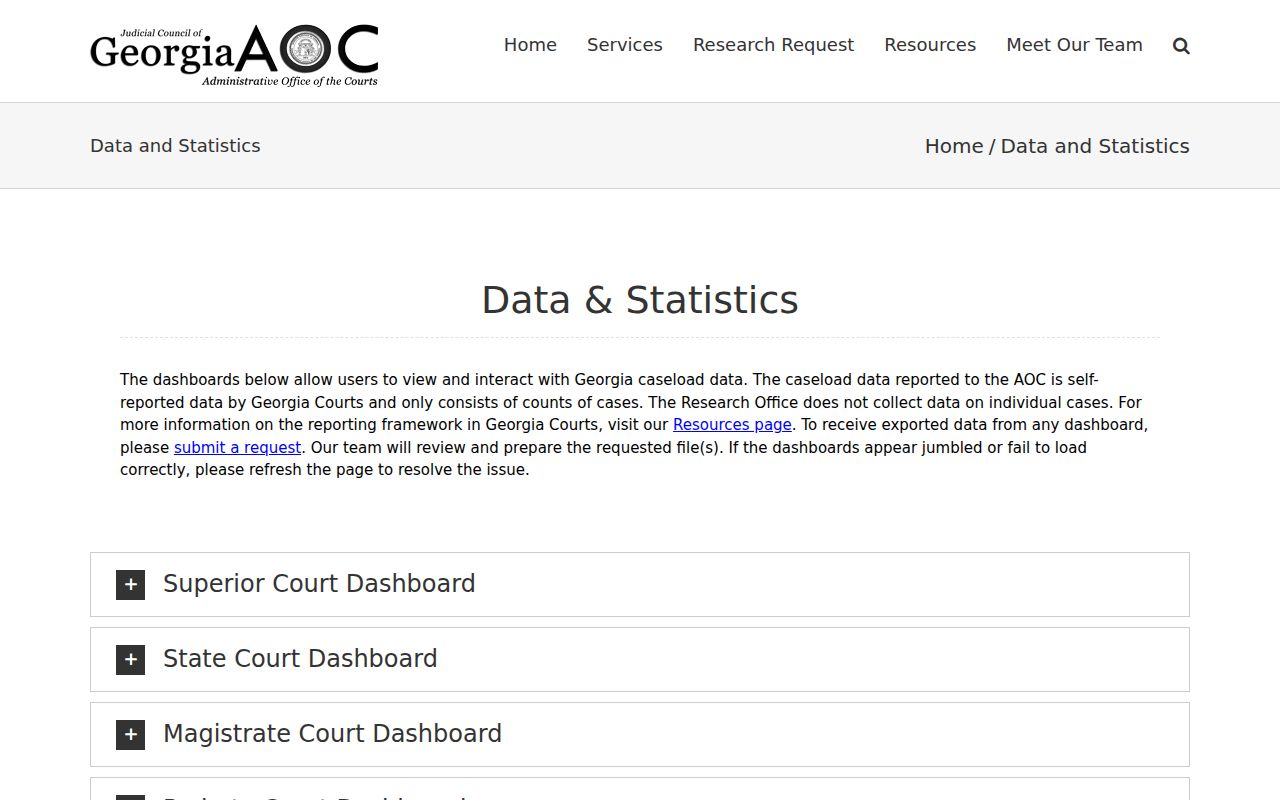
The Georgia Courts data and statistics page reports totals by court class, not party-level cases. Its dashboard offers year choices and reporting status. The counts are self-reported. That can show how a court class reports its work. It cannot locate one Burke County docket.
The official court-class dashboard source illustrates this aggregate layer.
Which Cases Stay Restricted
Some information never appears in a Burke County docket search. Juvenile files, sealed records, protected-person details, victim data, medical records, financial data, and identifying facts can all be restricted or redacted. The public portal may show only a case shell, an access label, or nothing at all. None of those outcomes tells you the answer on its own. A case can also vanish from a portal. The reason may be innocent, like a transfer, an older record, the wrong court, or a plain site error.
So ask the clerk directly. Find out whether the whole case is restricted, or just one document, or only certain fields. Request the public docket index or a redacted copy. Ask for the legal basis for any limit too. Uniform Superior Court Rule 21 sets the baseline for access. Rule 21.6 covers protected data and sealing.
A missing result means you check court by court. The unified clerk at 706-554-2279 handles Superior, State, and Juvenile custody questions. Magistrate matters go to 706-554-4281. Probate questions use 706-554-3000. A city citation belongs with that municipal clerk. You can also visit the Judicial Center counter, or mail a request to PO Box 803 to avoid the session-sensitive form. Fax 706-554-7887 and clerkofcourtservices.burke@gsccca.org are published too. Give the court and the exact case number whenever you can.
Georgia's provider directory and the Burke portal serve different purposes. E-Access names PeachCourt as the platform for Burke State and Superior cases, while the local system offers all-case, civil, and criminal search modes. JDEX is limited to authorized juvenile roles. PCIS describes Probate functions but no confirmed public Burke search. Casecount gives aggregate statistics, not party records. GSCCCA adds land-record context, not a full civil docket. So know these boundaries. They keep a provider login, a count, or an unrelated land filing from being mistaken for the authoritative court docket.